
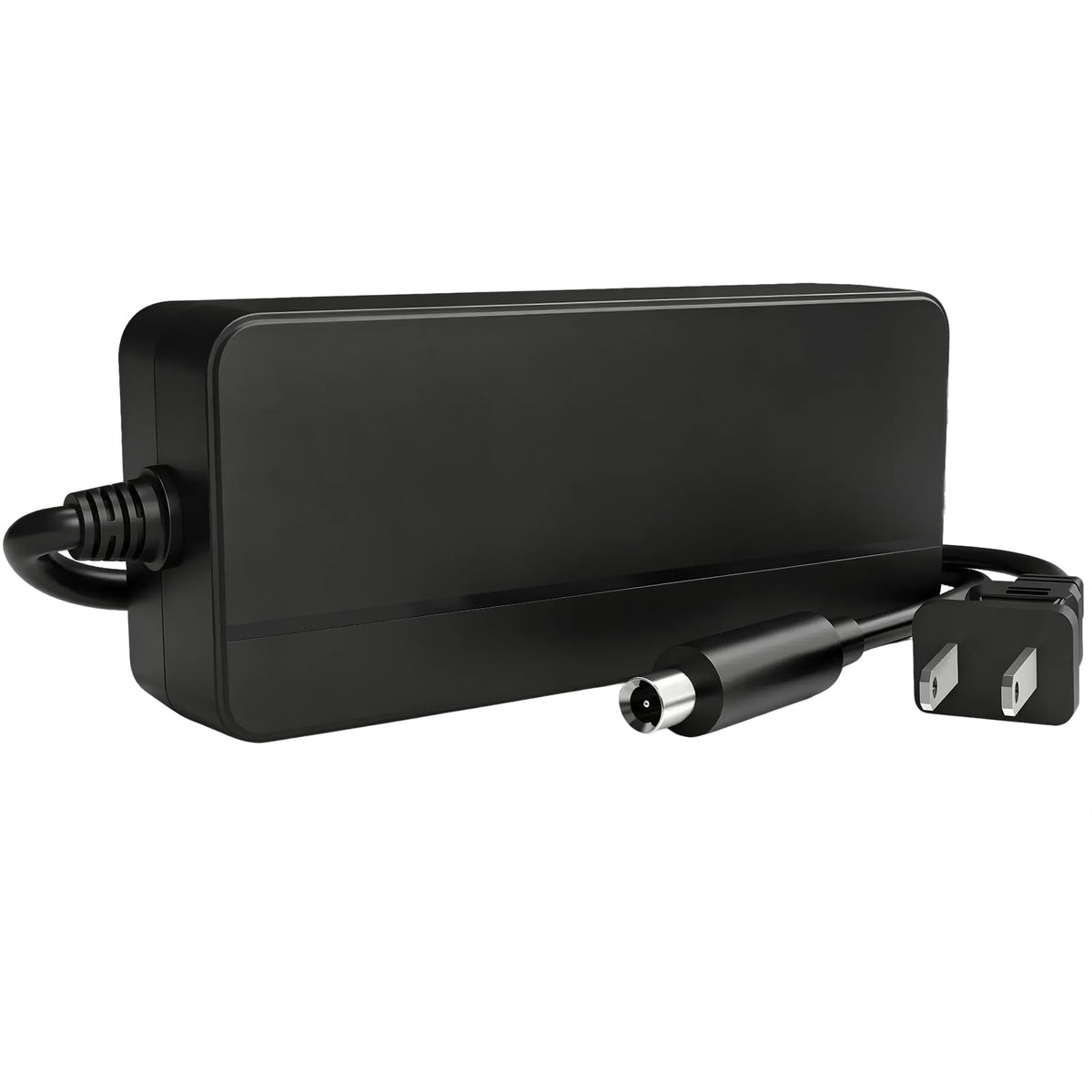
Replacing a Segway or Ninebot charger is not as simple as matching the plug. The battery voltage, required charger output, connector shape, connector polarity, and charging current must all be compatible. A charger that physically fits can still be electrically wrong.
This guide explains how to choose a replacement charger for a Segway Ninebot electric scooter or self-balancing vehicle, how common charger specifications differ, and what to verify before you order.
Quick answer: which Segway Ninebot charger do you need?
Start with the label on your original charger and the specifications for your exact vehicle version. Match all of the following:
- Battery chemistry: lithium-ion, lead-acid, or another chemistry
- Nominal battery voltage: for example, 36V or 48V
- Charger output voltage: for example, 42V for many 36V lithium-ion systems
- Charging current: shown in amps, such as 1.7A, 2A, or 3.9A
- Connector: shape, pin count, dimensions, and polarity
- Exact model and production version: model names alone are not always enough
Do not choose a charger only because the connector fits. If any specification is unclear, compare the original charger label and charging port or contact the vehicle manufacturer before connecting a replacement.
Why battery voltage and charger output voltage are different
The voltage printed in a scooter name usually describes the battery system's nominal voltage. The charger output is normally higher because a lithium-ion battery requires a higher voltage to reach a full charge.
For example, many 36V lithium-ion scooter batteries require a charger with a 42V output. That does not make a 42V charger suitable for every scooter described as 36V. The connector, polarity, allowable charging current, battery chemistry, and battery-management system must still match.
Likewise, a charger intended for a 36V battery should not be substituted for a charger designed for a 48V battery. Never guess the required output from the nominal battery voltage alone—verify the original label or official specifications.
Common Segway Ninebot charger categories
42V chargers for compatible 36V lithium-ion scooters
Many 36V lithium-ion electric scooters use a 42V charger. BICMDO's 42V Segway Ninebot replacement charger is offered in 1.7A and 2A versions for compatible 36V lithium-ion systems.
The product is listed for select models including Segway Ninebot MAX G2, G30LP, ES1, ES2, ES4, E22, E45, F20, F30, F40, F65, D28, D38, D40, and E2 Pro, as well as Xiaomi M365 and selected compatible scooters. Compatibility can vary by version and production year, so confirm the charging connector and electrical specifications before purchase.
53.6V chargers for compatible 48V models
Newer or higher-voltage models may use a different charging system. BICMDO also lists a 53.6V 3.9A replacement charger for compatible 48V lithium-ion models, including selected G3, F3, F3 Pro, GT3, and ZT3 Pro applications.
A 53.6V charger is not interchangeable with a 42V charger. Verify the required output and supported charging current for your exact model before use.
63V 4-pin chargers for compatible self-balancing vehicles
Some Ninebot self-balancing vehicles and GoKart-related products use another connector and voltage class. The 63V Segway Ninebot 4-pin replacement charger is listed for selected Ninebot S, Mini Pro, Mini Lite, L8, One A1, One S2, S-Max, GoKart Kit, and GoKart Pro applications.
Because these products differ substantially from typical 36V kick scooters, never substitute a charger from another Ninebot category based on brand name alone.
Five checks to make before buying a replacement charger
1. Read the original charger label
Locate the line marked Output. Record both the voltage and amperage. Do not confuse the AC input rating—often shown as a range such as 100–240V—with the DC output supplied to the battery.
2. Confirm the battery chemistry
A charger must use the charging profile required by the battery. A lithium-ion charger should not be used for a lead-acid or LiFePO4 battery unless the charger is specifically designed and approved for that chemistry.
3. Inspect the connector closely
Compare the plug shape, number of pins, keying, diameter, and orientation. Similar-looking connectors may be wired differently. Connector fit alone does not confirm polarity or electrical compatibility.
4. Check the supported charging current
A higher amperage can reduce charging time only when the battery, battery-management system, port, and wiring support that current. Do not assume that a higher-amp charger is automatically a safe upgrade. When uncertain, use the original current rating or the vehicle manufacturer's approved specification.
5. Verify the exact model version
Manufacturers may revise batteries, connectors, or charging systems while retaining a similar model name. Compare your original charger and port even when a product compatibility list includes your model.
Can you use a higher-amp charger?
Potentially—but only if the battery system supports it. A compatible battery-management system controls charging, but it should not be treated as permission to connect any higher-current charger. Excess current can increase heat and stress components that were not designed for it.
If your original charger is rated at 1.7A and you are considering 2A, confirm that the exact scooter version supports 2A charging. The same principle applies to larger differences such as 2A versus 3.9A.
Charging safety and everyday use
- Charge in a dry, ventilated area on a stable, nonflammable surface.
- Inspect the cable, connector, charging port, and charger housing before use.
- Do not use a charger with exposed wires, damaged pins, unusual odor, or visible swelling.
- Allow the battery and charger to return to a moderate temperature before charging after extreme heat or cold.
- Keep the charger uncovered so heat can dissipate.
- Disconnect and investigate if the charger or connector becomes unusually hot, repeatedly faults, or makes abnormal noise.
- Follow the vehicle and battery manufacturer's charging instructions.
Replacement charger checklist
| Check | What must match |
|---|---|
| Battery | Nominal voltage and chemistry |
| Charger output | Required DC voltage |
| Charging current | Vehicle and battery-supported amperage |
| Connector | Shape, pin count, dimensions, keying, and polarity |
| Model | Exact version and production year where applicable |
Frequently asked questions
Can I use any 42V charger on a 36V Ninebot scooter?
No. Although many 36V lithium-ion systems use a 42V charger, the current, connector, polarity, battery chemistry, and exact vehicle requirements must also match.
Is a 2A charger faster than a 1.7A charger?
A compatible 2A charger can charge faster than a 1.7A charger under similar conditions, but only use it when the scooter and battery support the higher current.
Why does a plug fit but the charger still not work?
The connector may have different polarity or pin wiring, or the charger may provide the wrong voltage or communication behavior. Stop using it and verify the full specification rather than forcing the connection.
Can one charger work with every Segway Ninebot model?
No. Segway Ninebot products span multiple battery voltages, connector types, and vehicle categories. Select a charger for the exact battery system and model version.
Choose by specification, not appearance
The safest way to replace a Segway Ninebot charger is to match the original electrical specifications and connector—not simply the brand name or plug appearance. Check the original output label, battery chemistry, supported current, connector, polarity, and exact vehicle version before ordering.
Browse BICMDO's replacement charger collection, or contact BICMDO support with clear photos of your original charger label and charging port if you need help comparing specifications.
Share:
Ebike Chargers: Can I Charge My Ebike Battery in Cold Weather?
Razor Scooter Charger Guide: How to Match MX350, MX400, E100, E200 and E300 Versions